Why Did Codex Usage Reset Early? The 28-Day Event and Free Resets
If your Codex usage reset before its scheduled date, an automatic reset from OpenAI may have applied. These resets refresh eligible allowances directly, so your usage display can change without you pressing a reset button. The display alone cannot identify which offer caused the change. OpenAI's guidance on one-time usage-limit resets
In early October 2026, a “28 days of improvements or a full reset” initiative was also announced for Codex and ChatGPT Work. Here is how it works, how automatic resets differ from saved resets, and where to check your next reset date.
What is the 28-day improvement event?
According to an announcement by Tibo (@thsottiaux) shared on the OpenAI Developer Community, the plan is to deliver a meaningful improvement for most Codex and Work users each day for 28 days, or provide a full reset on days without such an improvement. VeitB created the community compilation on October 5, 2026, collecting this announcement and subsequent updates. A compilation of announcements is different from a record of an individual account’s benefits. The 28-day improvement and full-reset announcement
- On days with an improvement: Users receive a meaningful feature, performance, or other improvement.
- On days without a qualifying improvement: The plan calls for a full reset.
This does not mean a usage reset every day for 28 days. The thread describes a model speed improvement on Day 1 and free auto-review on Day 2. The list also records resets on Days 6, 8, 10, and 13, and both an improvement and a full reset on Day 15. Improvements and resets can occur on the same day. The list does not establish whether a particular account received a reset.
How do automatic resets differ from banked resets?
A reset here means refreshing a usage allowance so you can use it again. It should not be confused with deleting conversations or work files. The reset type determines when it applies and whether you need to take action.
| Type | How it applies | What to check |
|---|---|---|
| Scheduled reset | Refreshes allowance according to your account's usage window. | Check the next reset time in Usage. |
| Automatic or global reset | Refreshes the accounts and limits selected for the offer, without a redemption action. “Global” does not necessarily mean every account or limit. | It does not appear as a saved reset. |
| Banked reset | A saved, one-time reset that you choose to apply. | Check availability, covered limits, and expiration. |
| Purchased instant reset | Applies after successful checkout on eligible accounts. | It cannot be saved for later. |
OpenAI's Work and Codex usage guide explains these distinctions. An automatic reset may already have applied even if no saved reset appears. If a banked reset is visible, check whether it is a separate benefit.
The usage guide’s Astra launch section documents an automatic reset on September 7, 2026, for eligible Plus, Pro, and Business allowances. It did not add a saved reset. This establishes that the mechanism has been used, rather than proving that the same offer applies to your account now.
A reset does not change your subscription billing date or how much allowance a task consumes. Work and Codex share the allowance included with your plan. API billing, credits, and separate ChatGPT image, file-upload, and regular voice limits should be distinguished from it. Switching models or opening a new chat does not restore a shared pool.
Where can you check received, used, and available banked resets?
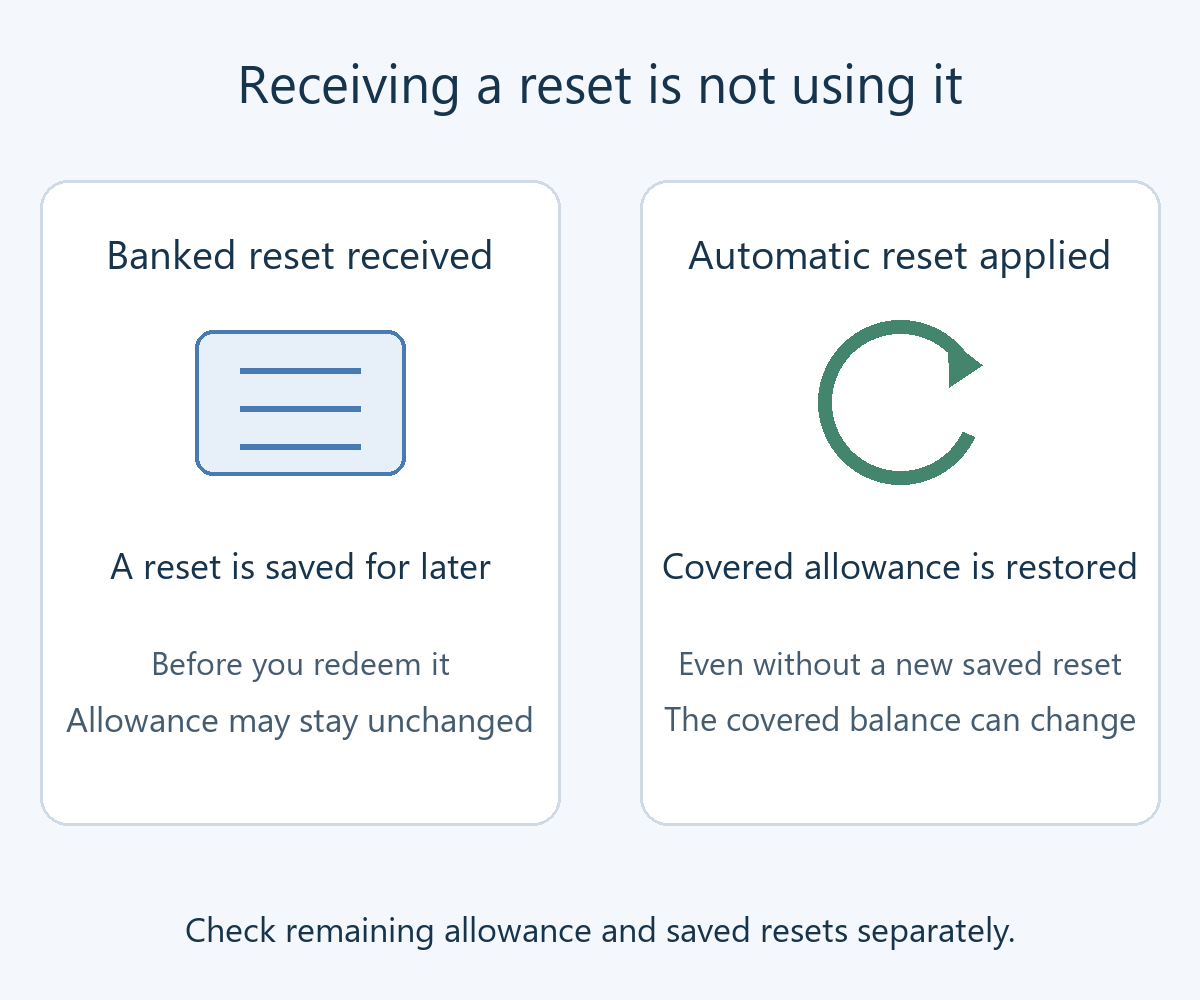
On desktop, open Settings → Usage & billing → Usage limit resets → History for banked-reset activity from the past 30 days. Reset received means a reset was saved for later; Reset used means it was redeemed. A received entry may refer to a reset already used or expired, so check Available for the current balance and expiration.
Automatic and purchased resets do not appear in that banked history. A missing entry does not establish that an automatic reset was missed, and a changed refresh time does not establish that another banked reset was used. The mobile app currently lacks these history and reset controls. See the dedicated reset and history guide.
For manual redemption, distinguish desktop’s Use reset from the paid offer under Buy an instant reset. At least one covered allowance must have less than 80% remaining to redeem a banked reset through Usage settings. If every covered allowance has 80% or more remaining, the reset stays available and the interface says it is not needed now. Read its coverage and expiration before deciding.
Will usage reset again on the original date?
If a full reset refreshed your weekly allowance, do not expect an extra reset on the original date. OpenAI Support explains that a global reset starts a new weekly window from your next Codex use. The new reset date replaces the previous one. OpenAI Support's explanation of weekly reset date changes
Suppose you had used 70% of your weekly allowance, with two days until the scheduled reset. A full reset covering the weekly limit could change the situation as follows. This is a hypothetical example.
| Stage | Weekly usage | Next reset |
|---|---|---|
| Before the full reset | 70% used | Due in two days under the original schedule |
| Immediately after, before further use | 0% used | A new weekly schedule may be established based on subsequent use |
Rather than relying on the old date, check the next reset time currently shown in your account. The limits refreshed depend on the announcement, so do not assume that both your weekly allowance and every other usage window were reset.
A full banked reset covers different main allowances by plan: Go’s monthly allowance, Plus and Business Standard’s five-hour and weekly allowances, and Pro 100, 200, and 500’s weekly allowance. An allowance already at 100% remaining is not restarted by a banked reset. For example, if weekly remaining is 100% while five-hour remaining is 10%, that reset can restore the five-hour allowance without restarting the weekly period.
A displayed refresh time can be an estimate before a new usage period begins. Check the account again after subsequent use rather than mechanically adding seven days to the button click. Allowance refresh times and subscription billing dates are separate.
What should you check after an unexpected reset?
- Open your usage settings. On desktop, use Settings → Usage & billing; on web, open Usage settings. Some product guidance uses Settings → Usage, depending on the surface or version. First confirm that you are viewing the correct account and workspace.
- Read the percentage label. “Used” and “remaining” have opposite meanings. A 0% reading alone does not establish that your allowance was restored.
- Check each allowance and reset time. If both five-hour and weekly limits appear, review both. Limits vary by plan; distinguish allowance from banked resets and credits. Pro 100, 200, and 500 currently have no five-hour Work and Codex limit; their screen need not match another plan’s.
- Refresh or reopen Usage if the display looks wrong. Updates can take a short time. If the issue persists, record the time and time zone, affected limit, screenshot, client, and model. Do not redeem another banked reset or buy an additional reset merely to test whether the first worked.
For percentages and credits, see the Work and Codex usage guide. For refreshing the display and checking your account, see reset troubleshooting guidance.
If allowance declines quickly again, compare the model, reasoning level, input material, and task steps. Equal message counts need not consume equal allowance. Our GPT-6 and GPT-5.6 comparison explains model-selection considerations.
Automatic resets apply without a purchase, so a restored allowance does not by itself indicate an additional charge. If you are concerned about payment, check your receipts or billing history separately. The usage display alone also cannot prove that no payment occurred.
If access has not returned after the displayed time, or ordinary usage or paid billing appears incorrect, record the affected limit, time zone, error, client, and model for Support. However, the current dedicated policy for free promotional resets excludes individual eligibility review, investigation of whether a free promotional reset should have been granted or applied, expiration extensions, and courtesy replacements. General usage or paid-purchase support should not be presented as a promise to investigate or replace a free promotional benefit.
If an automatic reset covers an allowance already restored by a banked reset, the two do not stack to 200%. It restores the covered balance to 100% again, and the banked reset already used is not returned. Unused saved resets retain their original expiration and terms. This explains why restored allowance and the saved-reset count can change differently.
Could you receive another free reset in October?
The 28-day plan allows for more full resets on days without qualifying improvements. However, which accounts receive a reset, when it arrives, and which limits it covers must be checked against the relevant announcement and your account.
OpenAI's Help Center says eligibility and covered limits vary by offer, and future resets are not guaranteed. Plan your work around your current remaining allowance and displayed reset time, and account for an additional free reset once it actually applies. One-time reset eligibility and future availability